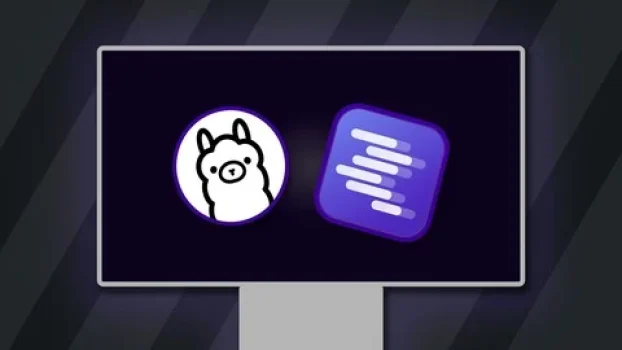
Local LLMs via Ollama & LM Studio – The Practical Guide
Course Overview
This course teaches how to run open-source large language models locally using Ollama and LM Studio. You will learn how to use AI models privately on your own computer without relying on cloud-based AI services.
Course Details
- Rating: 4.7 / 5
- Duration: 4 Hours
- Language: English
- Certificate: Included
- Access: Full Lifetime Access
What You Will Learn
- Understand real-world use cases of open-source LLMs
- Run AI models locally with full privacy and control
- Use open models like Gemma, Llama, and DeepSeek
- Work with Ollama and LM Studio for local AI inference
- Analyze text, images, and documents using local AI models
- Integrate local LLMs into custom AI applications and workflows
- Learn how AI inference works on consumer hardware

Main Topics Covered
- Local LLM Deployment
- Ollama & LM Studio
- Open-Source AI Models
- Offline AI Systems
- AI Privacy & Local Inference
- AI Application Integration
Who Should Learn This Course
- AI enthusiasts and developers
- Students learning local AI systems
- Developers exploring offline AI tools
- Anyone interested in private AI workflows
Final Review
A practical beginner-friendly course for learning how to run and use local LLMs with Ollama and LM Studio. It is ideal for learners who want private, offline AI systems without depending on cloud platforms
Affiliate Disclaimer: Some links in this post may be affiliate links. This means we may earn a small commission at no extra cost to you. These commissions help support the site — thank you for your support!Deal Score0